
Tesla started rolling out Full Self-Driving v14.3 to Early Access Program (EAP) members earlier today, and I had the opportunity to see some of the improvements that were made from v14.2.2.5.
While a lot of things got better, and I truly enjoyed using Full Self-Driving again after being stuck with the widely confusing and frustrating v14.2.2.5, Tesla still has one major problem on its hands, and it has to do with Navigation and Routing. I truly believe those issues will be the biggest challenges Tesla will face with autonomy: the car simply going the correct way, not conflicting with what the navigation says, and taking the simplest and most ideal route to a destination.
Here’s what I noticed as an improvement with my first hour with v14.3. This is not a full review, nor is it reflective of everything I will likely experience with this new version. This is simply what I saw as a noticeable improvement from the past version, v14.2.2.5.
There is also a more streamlined version on X, available at the thread below:
Tesla Full Self-Driving v14.3 testing now: pic.twitter.com/9UuP11Fv9f
— TESLARATI (@Teslarati) April 7, 2026
Yellow Light Behavior is Significantly Better
On v14.2.2.5, I had so many instances of the car slamming the brakes on to stop at a yellow light when it was clearly the safer option to proceed through. There were several times when the car would be about 20 feet from the line, traveling at 15-20 MPH, the light would turn yellow, and it would slam the brakes to stop. I would nudge it through yellow lights constantly because of this by putting my foot on the accelerator.
The instances I’m talking about here would not have been close calls — the car would have likely moved through the intersection completely before the light would turn red.
On multiple occasions this evening, FSD proceeded through yellow lights safely, without hesitation or any brake stabbing. It was refreshing:
Here’s an EXCELLENT example:
v14.2.2.5 would have slammed the brakes and stopped at this stop sign. I would have tapped the accelerator to proceed.
You can see the light turns yellow and the car makes — in my opinion — the correct decision to proceed. https://t.co/hHMikimkbp pic.twitter.com/Iesta1OYoV
— TESLARATI (@Teslarati) April 7, 2026
This was a huge complaint with v14.2.2.5. Sometimes, it’s a safer option to go through a yellow light, especially when you have traffic behind you. It’s a great way to get rear-ended.
Parking Performance
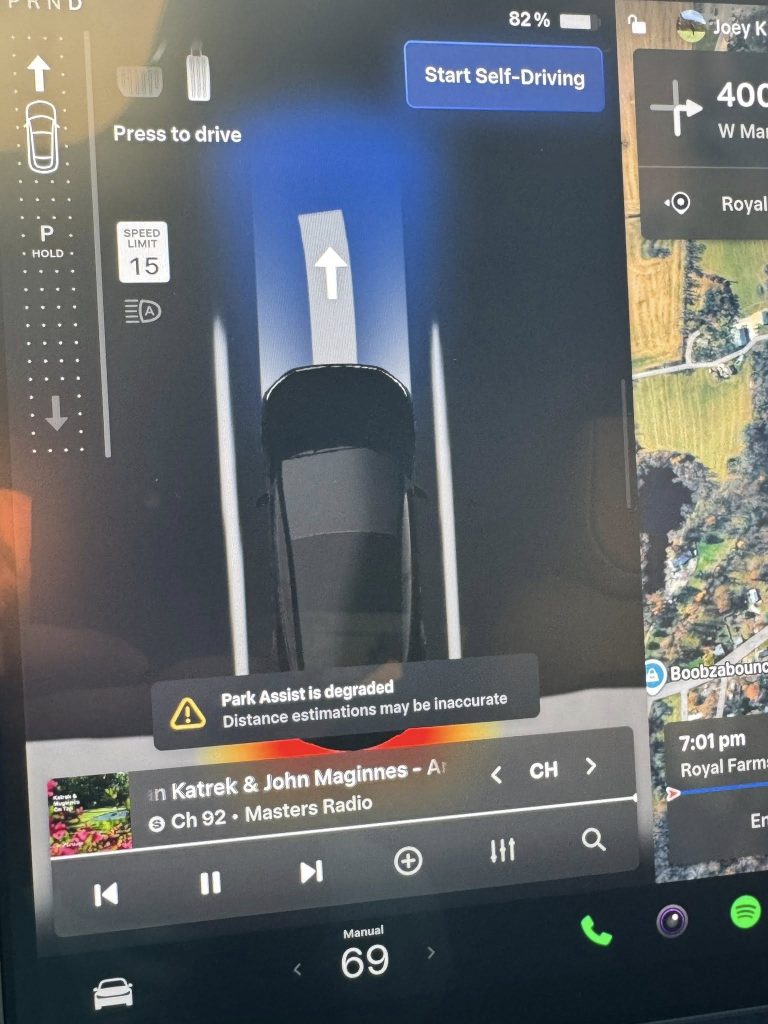
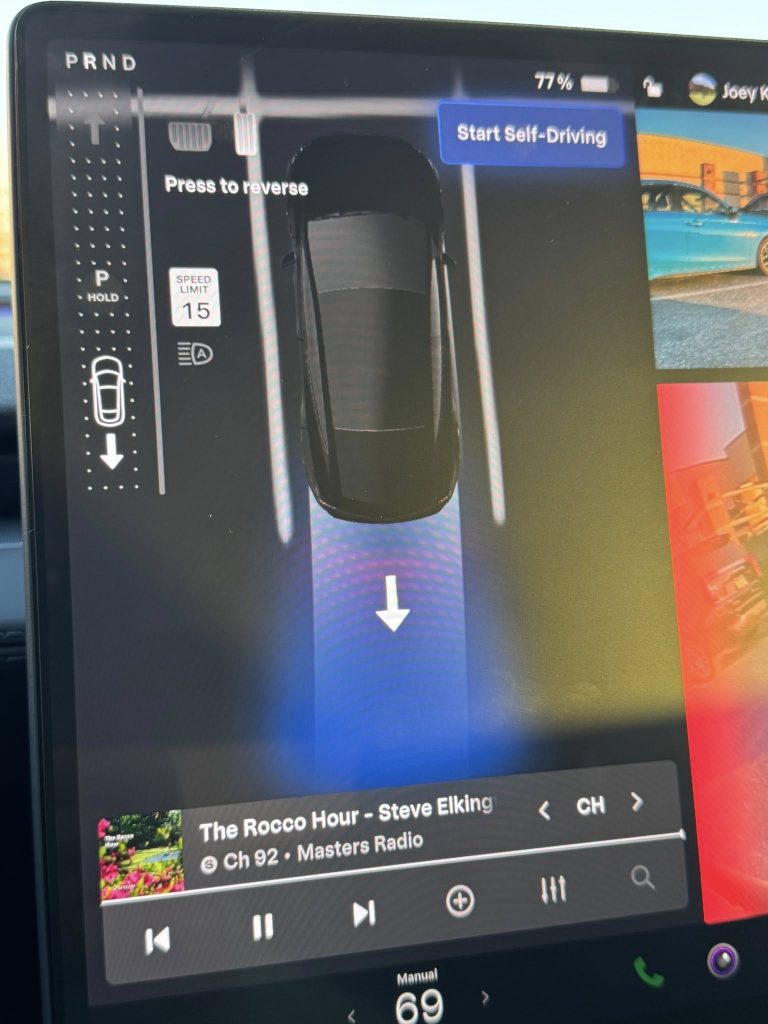
I had four instances of parking, and FSD v14.3 really did a flawless job. I was very impressed with how solid it was, but also with how efficiently it moved into the spot. When there was traffic around with past versions, I usually chose to park manually just because FSD took its time getting into a spot. I don’t see that being an issue anymore.
I complained about parking a lot and shared several images on X and Facebook of those examples:
Still a few issues with parking on FSD v14.2.2.4 pic.twitter.com/BphvVWDPqe
— TESLARATI (@Teslarati) February 5, 2026
No issues with it this evening. 4/4. Here are two looks:
Highway Performance
FSD v14.3 passed the five cars shown in this image:
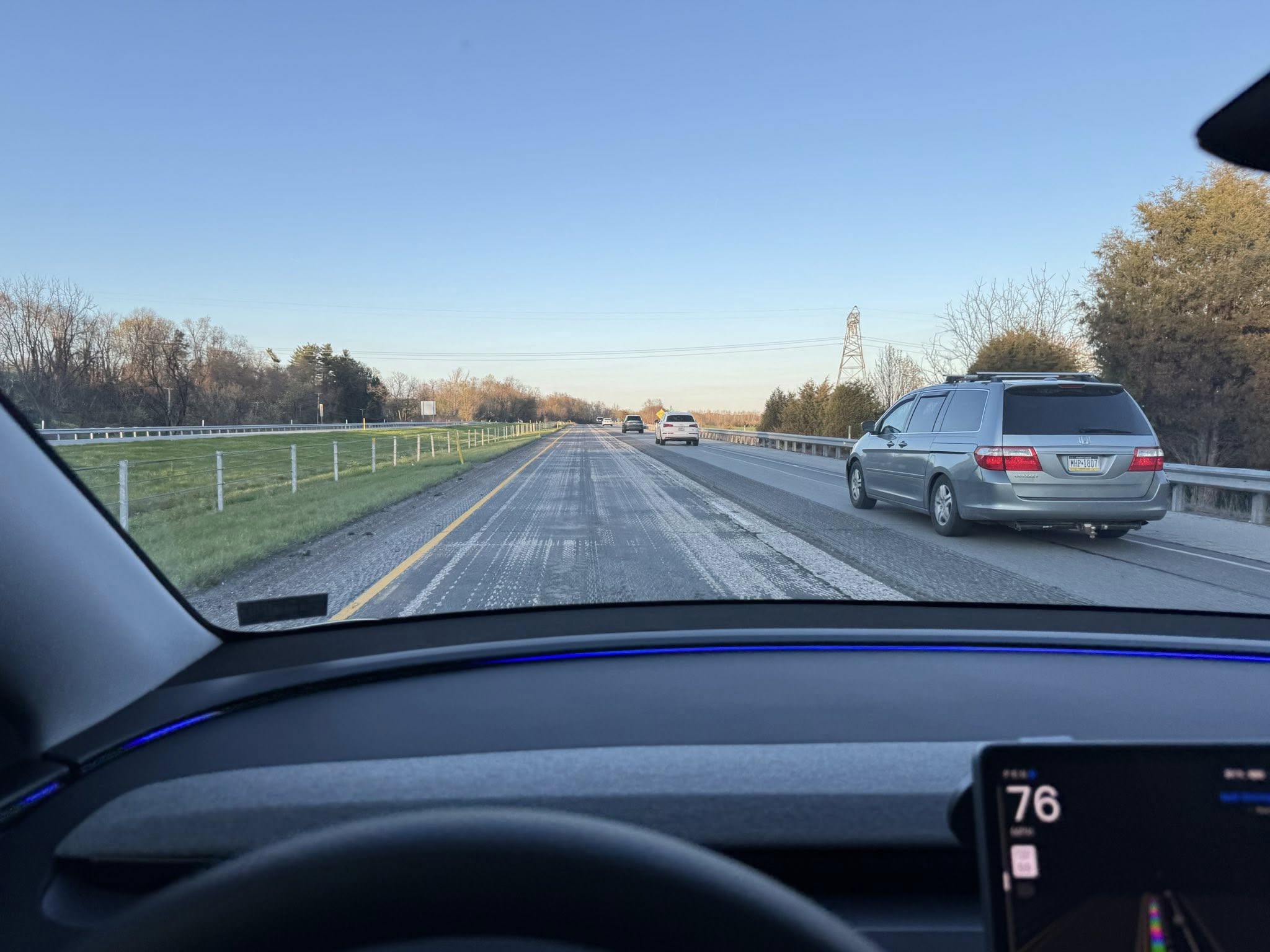
The sixth was 200-300 yards ahead of the fifth. In v14.2.2.5, FSD would usually stay in the left lane, especially on Hurry and Mad Max. It did not do that, as it instead chose to get back over in the right lane after passing the final car.
Speed was not much of a concern here, even though it was going 21 MPH over. Although it was fast, I did have a line of cars behind me traveling at the same speed, and FSD had just merged about a half mile prior, so I chose to let it continue.
There were no instances of camping in the left lane for extended periods of time. I do want to do more testing with the Speed Profiles because they were in need of some work with the previous version. I am starting to side with those who want a Max Speed setting, which was removed last year.
Navigation and Routing Still Need Work
I was heading back toward where I came from, so I turned “Avoid Highways” on to take a different way. This confused the Routing system, and instead of turning left, then right, as the Routing said, the car turned right, then indicated for another right, basically going in a big rectangle. The car ignored the second right-hand turn and continued straight. I ended up turning “Avoid Highways” off and letting the car pick the same routing option as what took me here.
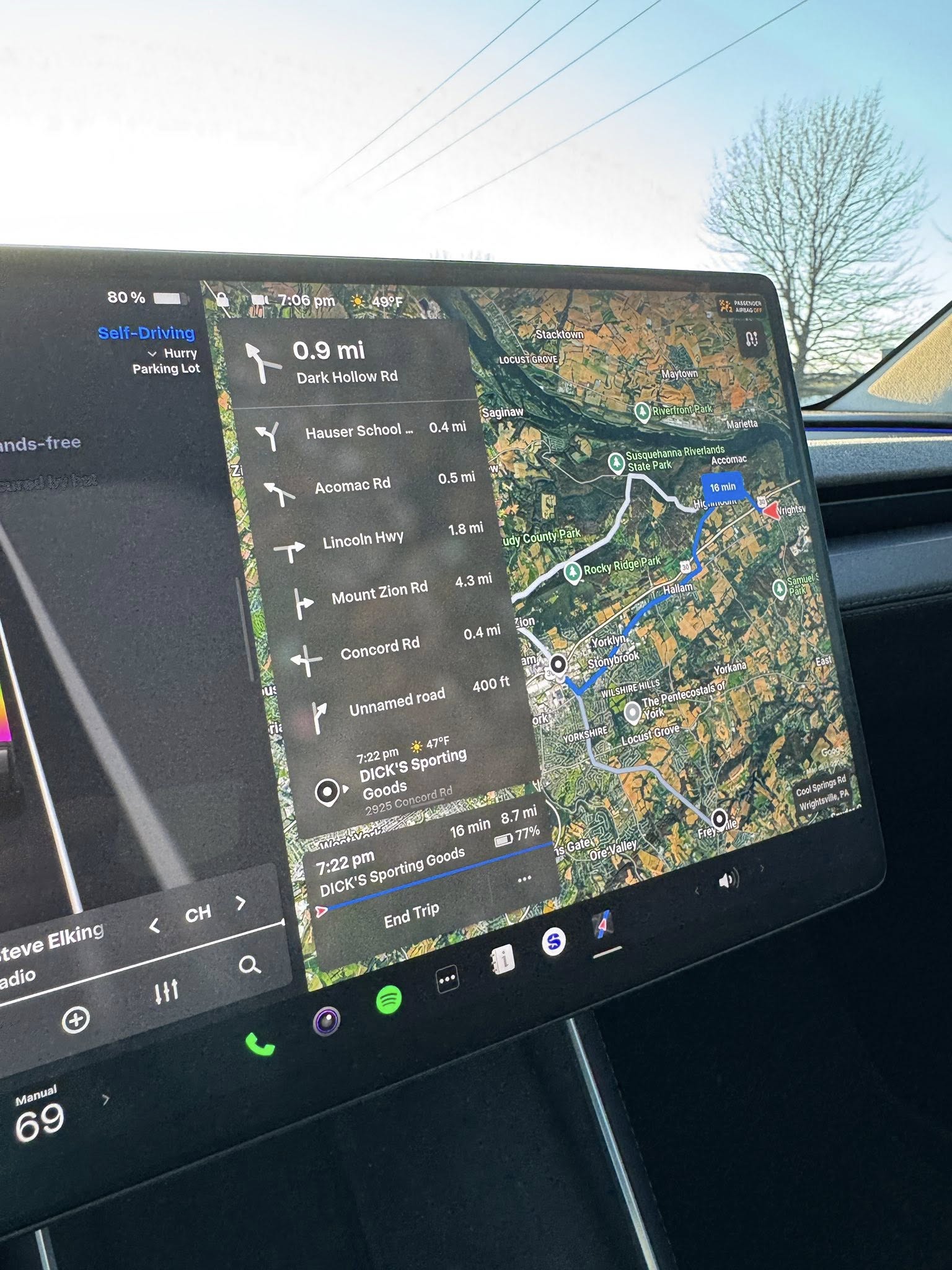
I have truly complained so much about Navigation and Routing that I’m starting to feel sort of bad. It is obviously such a massive challenge for some reason, but I am confident it will improve. I recall seeing Tesla hiring someone for this role a few months back, so perhaps there is hope for it to get better.
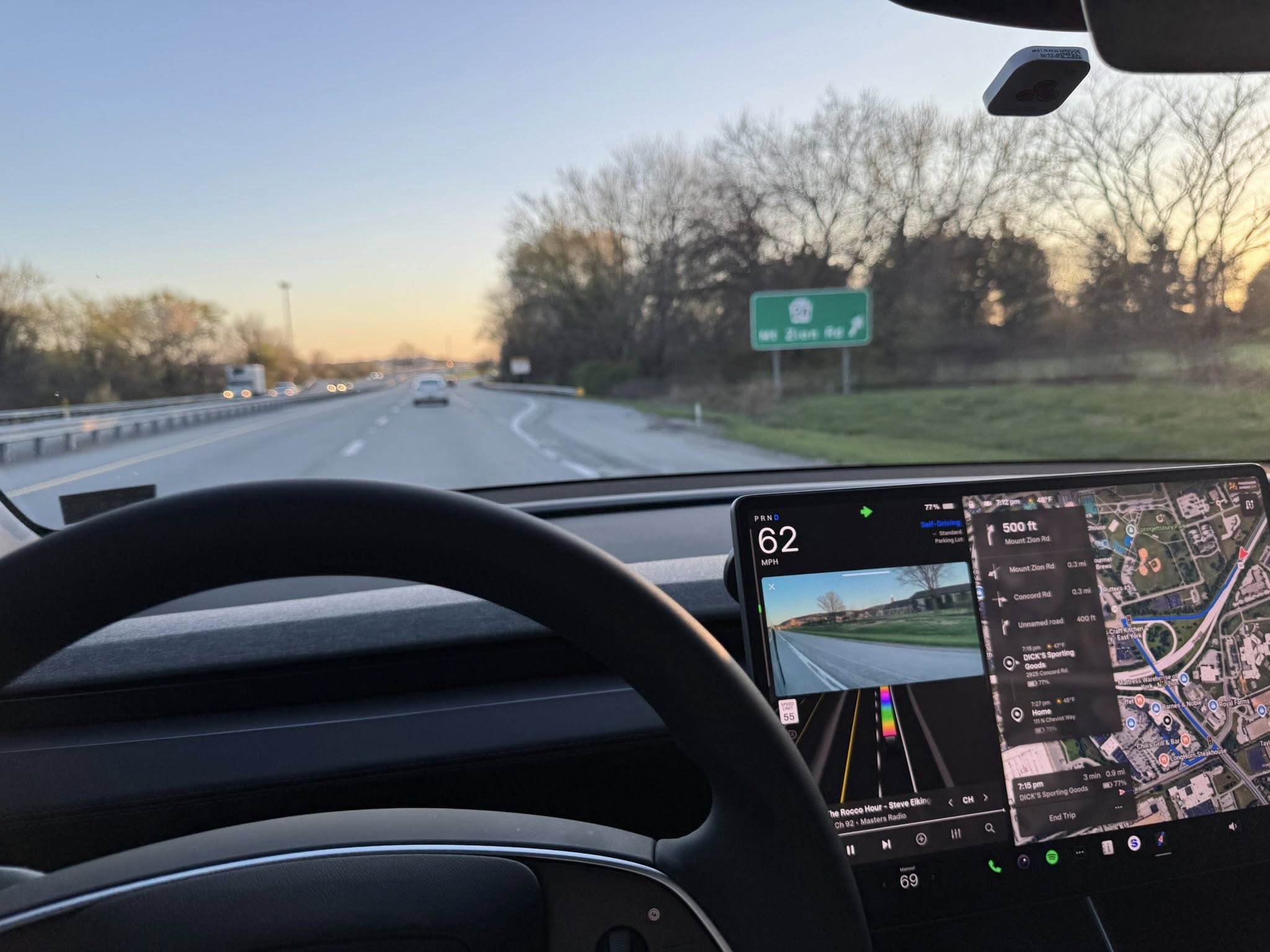
Smarter Behavior When Approaching Exits/Routing
This probably should be grouped in with Highway Behavior, but I wanted to highlight it on its own.
The highway exit pictured was always frustrating for v14.2.2.5. In the Hurry speed profile, I have seen it try to execute passes on multiple cars with as little as 0.6 miles to spare before taking the exit.
With three cars ahead of it, it chose to reduce speed and just wait until the exit. It was refreshing to see an improvement here, so I hope this behavior persists. Sometimes there’s just no reason to pass when you’re less than a mile from getting off the highway anyway.
Larger Visibility Warnings
Tesla seems to have increased the size of these “Camera Visibility Limited” warnings. Previously, they were just small thumbnails:
Previously, it was a small thumbnail. Haven’t seen it this magnified before. https://t.co/iKJLsZ8P4Q pic.twitter.com/qRWwFyIZNd
— TESLARATI (@Teslarati) April 7, 2026
Stop Sign Behavior
This is probably the biggest improvement of all, because how it behaved at Stop Signs in v14.2.2.5 was so incredibly terrible and disruptive to the flow of a busy intersection.
There are several four-way, all-stop intersections near me. In the past, FSD would stop well behind the Stop Sign or the white-painted line on the road. It would then inch forward, stopping again at this line, essentially making two stops at a single intersection.
If there is visibility, I don’t truly care where FSD stops, as long as it stops once. Stopping twice just isn’t ideal or logical. I can’t imagine many humans would do it, I know I wouldn’t.
I didn’t have that issue this evening:
— TESLARATI (@Teslarati) April 7, 2026
This was pretty tight, too, in the sense that both my car and the other one got to the intersection at the same time. FSD may have stopped first, but the other vehicle was probably around the same point that I was when FSD decided to stop. I was happy to see the assertiveness to proceed; it felt like it was ideal to just go through. I was happy it didn’t stop a second time up at the line. I’d be fine if it stopped at the line, as long as that was the only stop it made.
The post Tesla Full Self-Driving v14.3: First Impressions appeared first on TESLARATI.